Free gift planner · Christmas is 5 weeks away
Every birthday remembered. Every idea kept. Nothing given twice.
Giftroll keeps everyone you buy for in one place: their dates, your ideas, this year's list with its budget, and how each gift went down. Plan with your partner without spoiling a single surprise.
Free, with no adverts. Nothing to install. Works on any phone or computer.
- Private and encrypted
- Free, with no adverts
- Any phone or computer
- Plan together, surprises kept
- Take your data any time
How it works
-
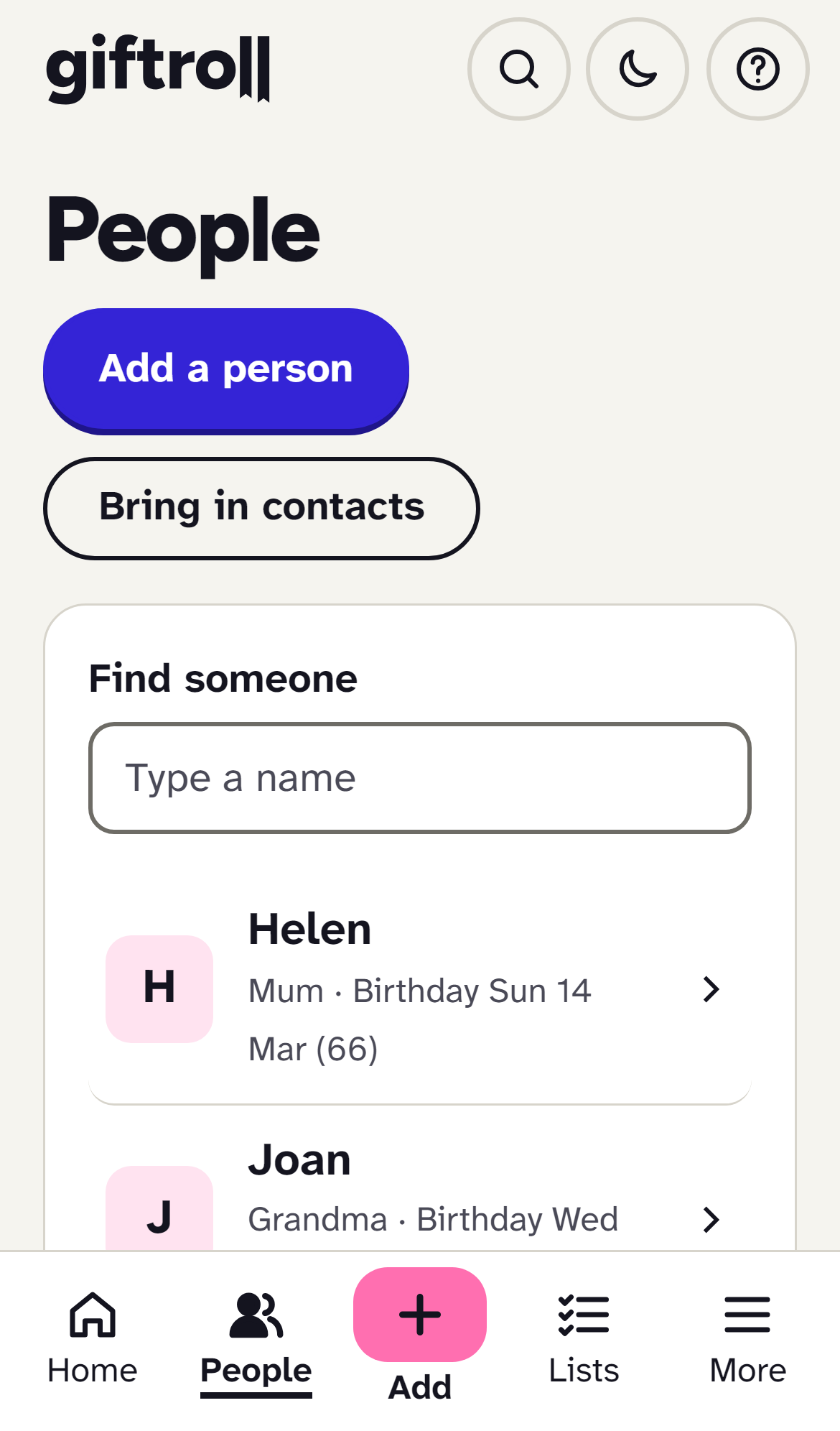
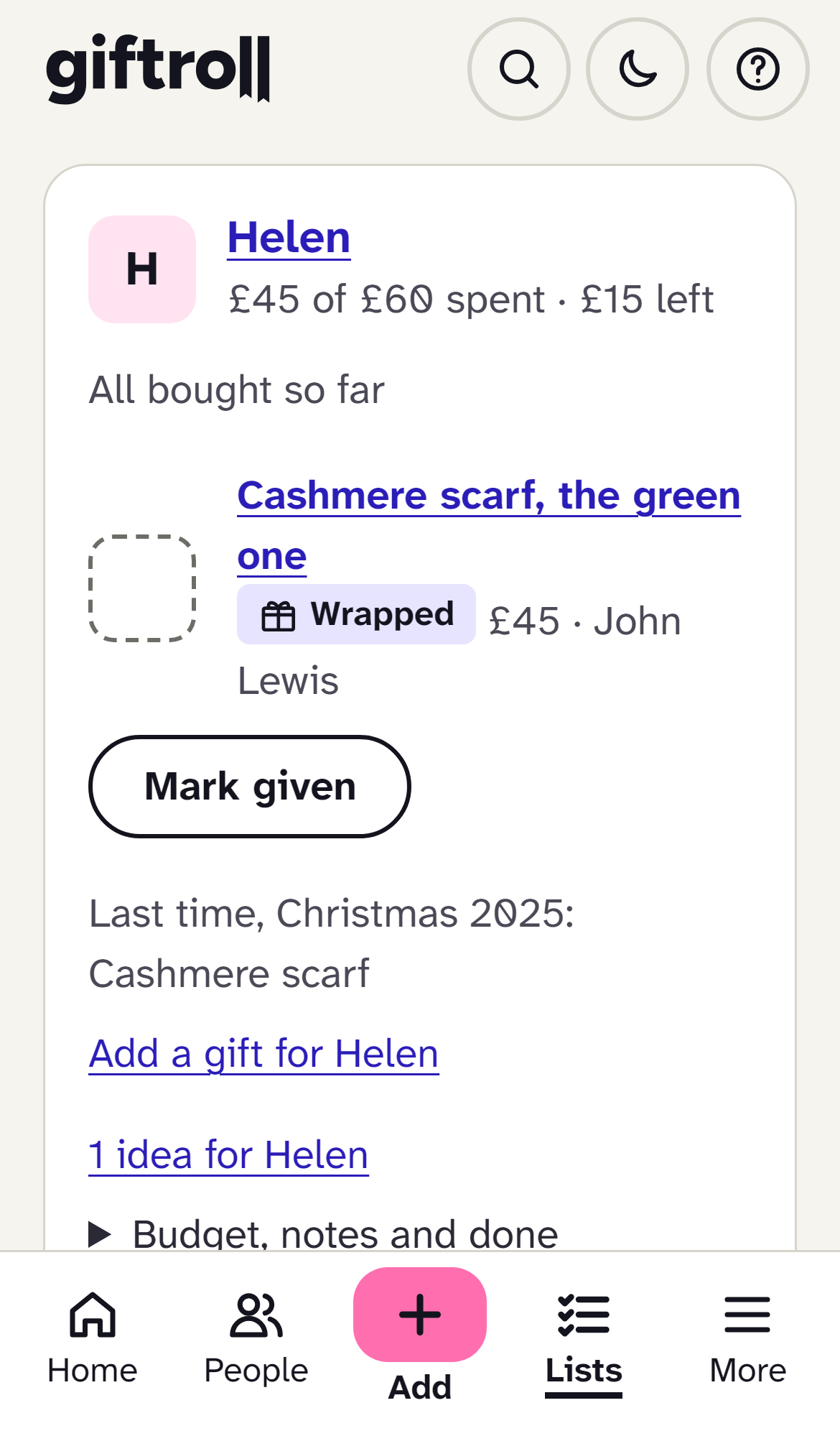
Add the people you buy for
Mum, your partner, the kids, your oldest friend. A name is enough to start; birthdays, sizes and what they love can come later.
-
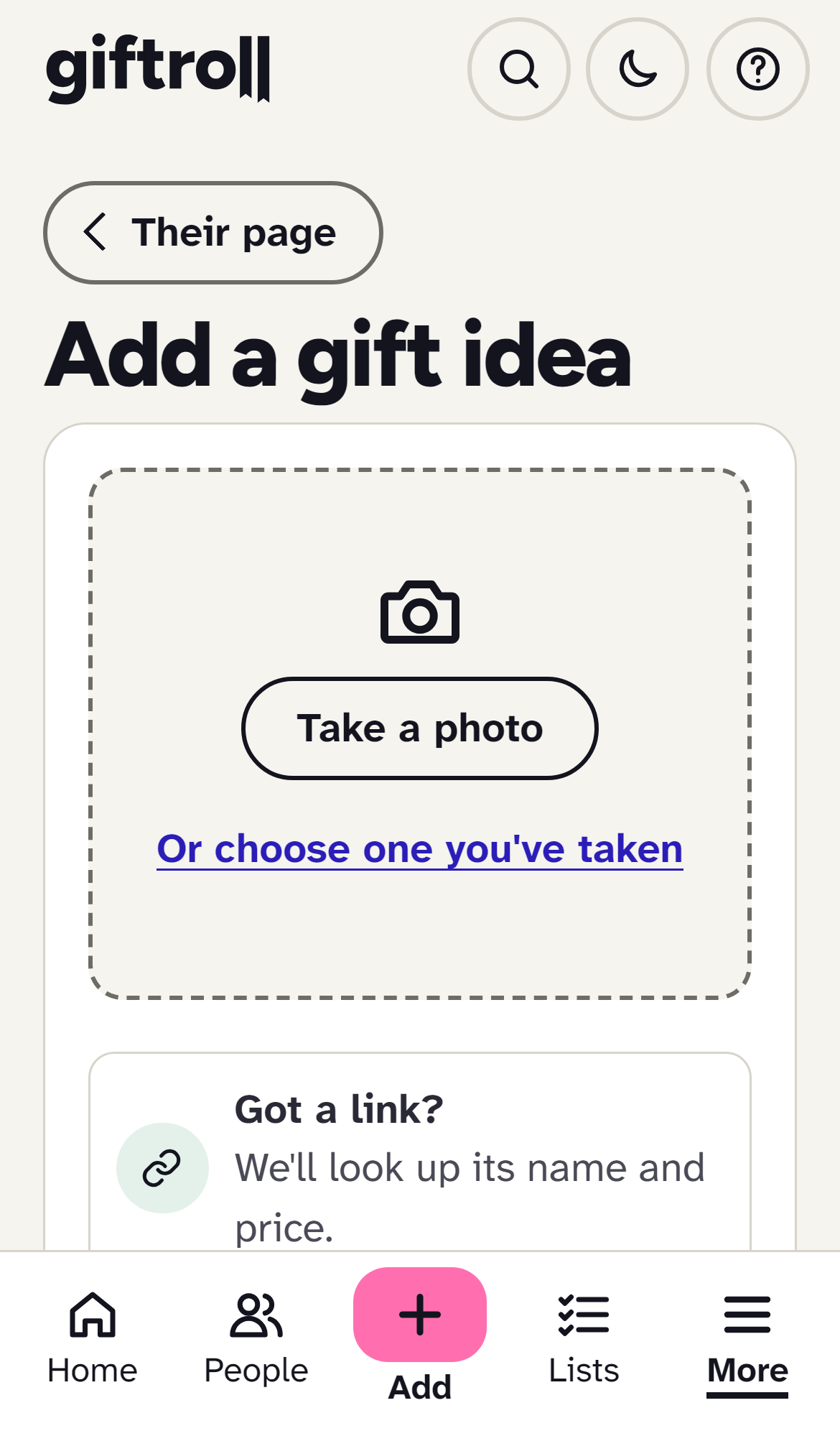
Jot ideas as they strike
Something they mentioned, a link from a shop, a photo in a window. A few words against their name, waiting for the day.
-
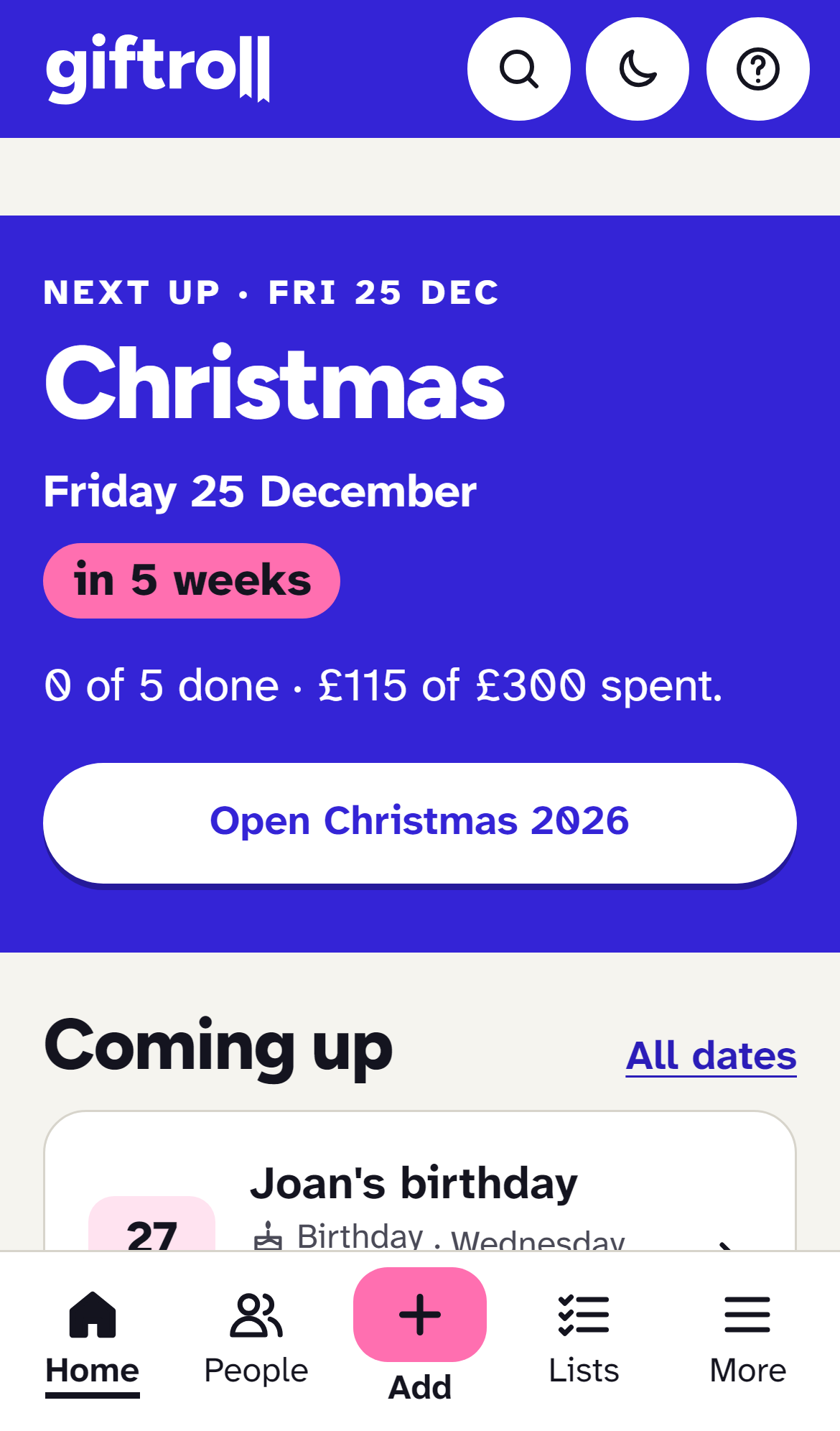
Open the list when the season comes
Christmas, a birthday, a wedding: everyone on it, the budget, who's bought and wrapped, and who's still to do.
A name is enough to start. It takes about a minute. Create a free account
Is it for you?
-
You run Christmas for the whole family
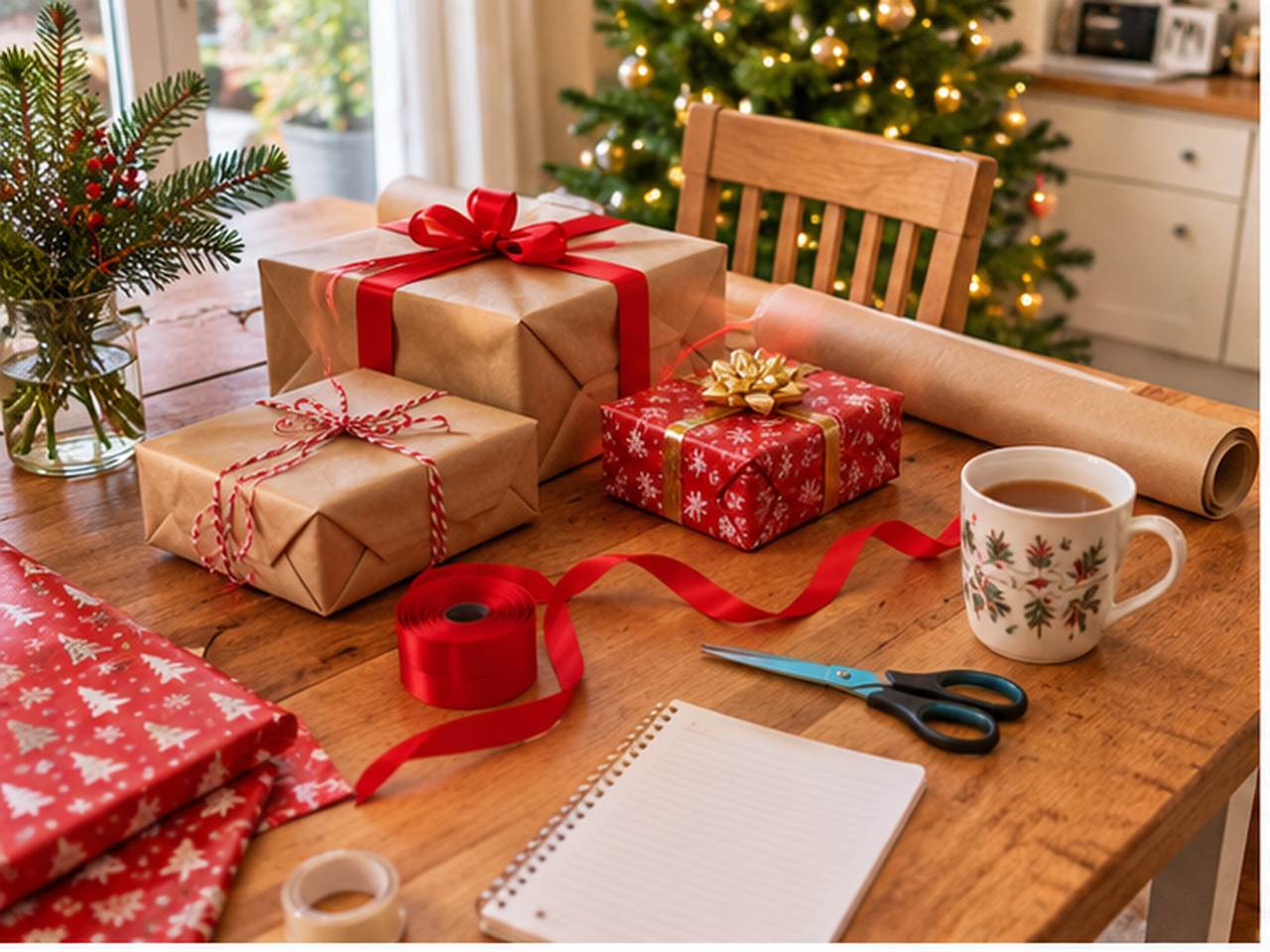
Who's done, who's left, who's giving what, what it's cost so far, and no more scrolling back through messages to find what your sister said she'd get.
Keeping track of Christmas presents -

You forget birthdays until the day
A reminder a few weeks before, with the ideas you saved when they mentioned something, so there's time to actually buy it.
Reminders that arrive in time -
Your list of grandchildren keeps growing
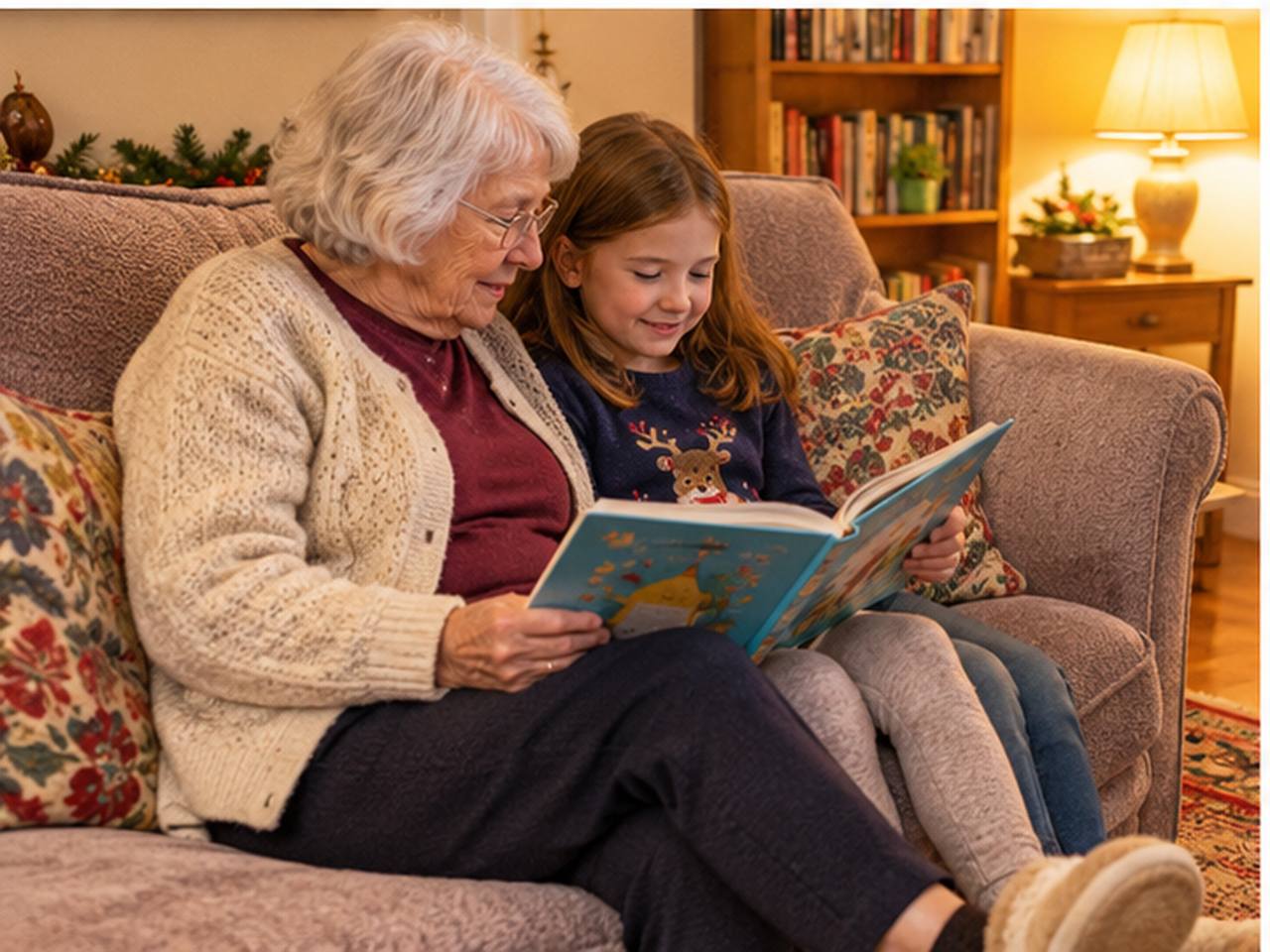
Every birthday, age and clothes size in one easy place, in writing you can make bigger. Family can set it up with you.
Made for everyone -

You've been handed the office Secret Santa
Add the names, set a limit, say who mustn't draw whom, and everyone gets a private link. Nobody else needs an account.
Run a Secret Santa

Plan together. Spoil nothing.
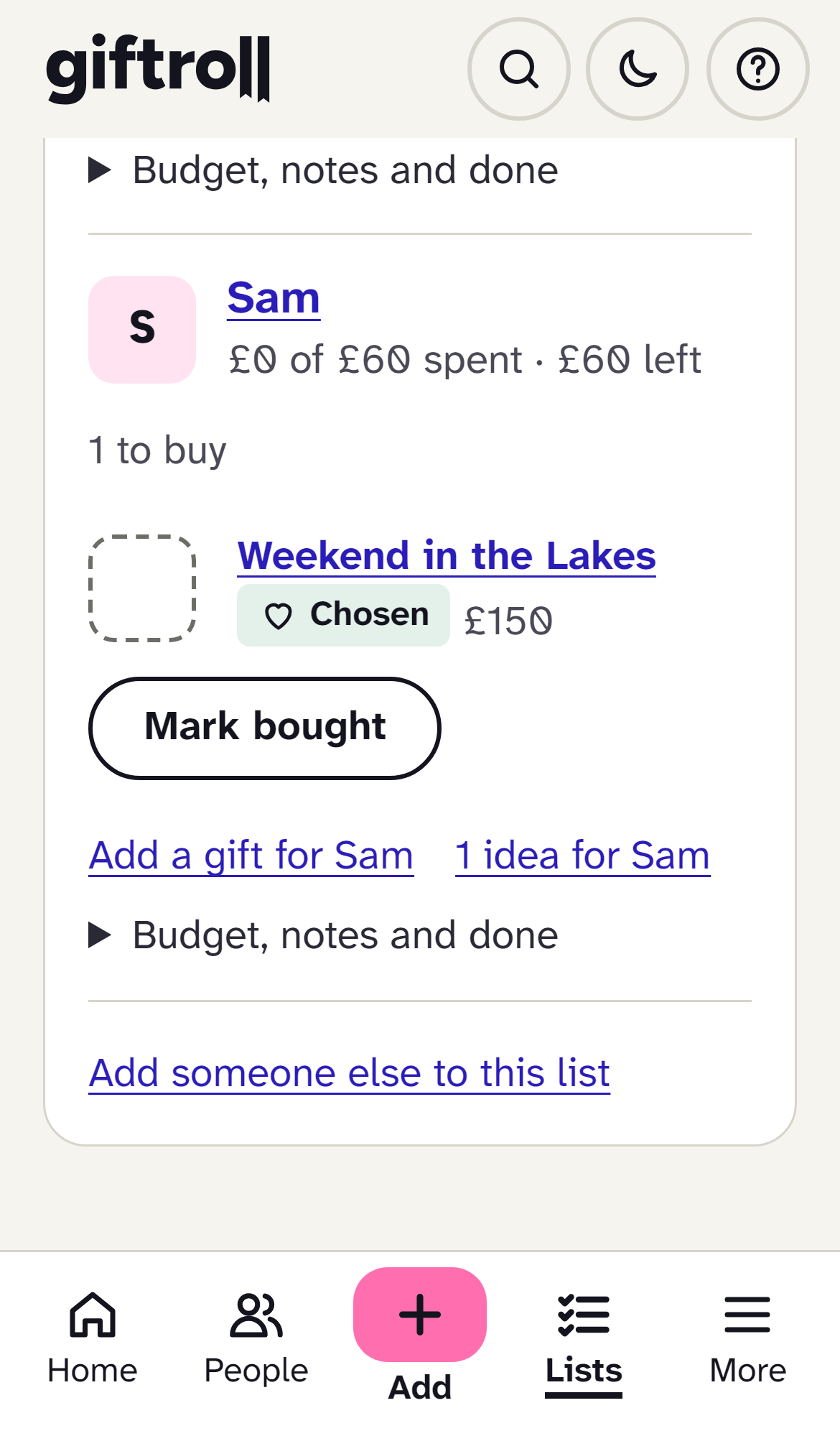
Invite your partner or family into your household. Everyone sees the same people and lists, but a gift for you is hidden from you, everywhere, always. All you'll see is "a surprise". How surprises are kept
 What you see
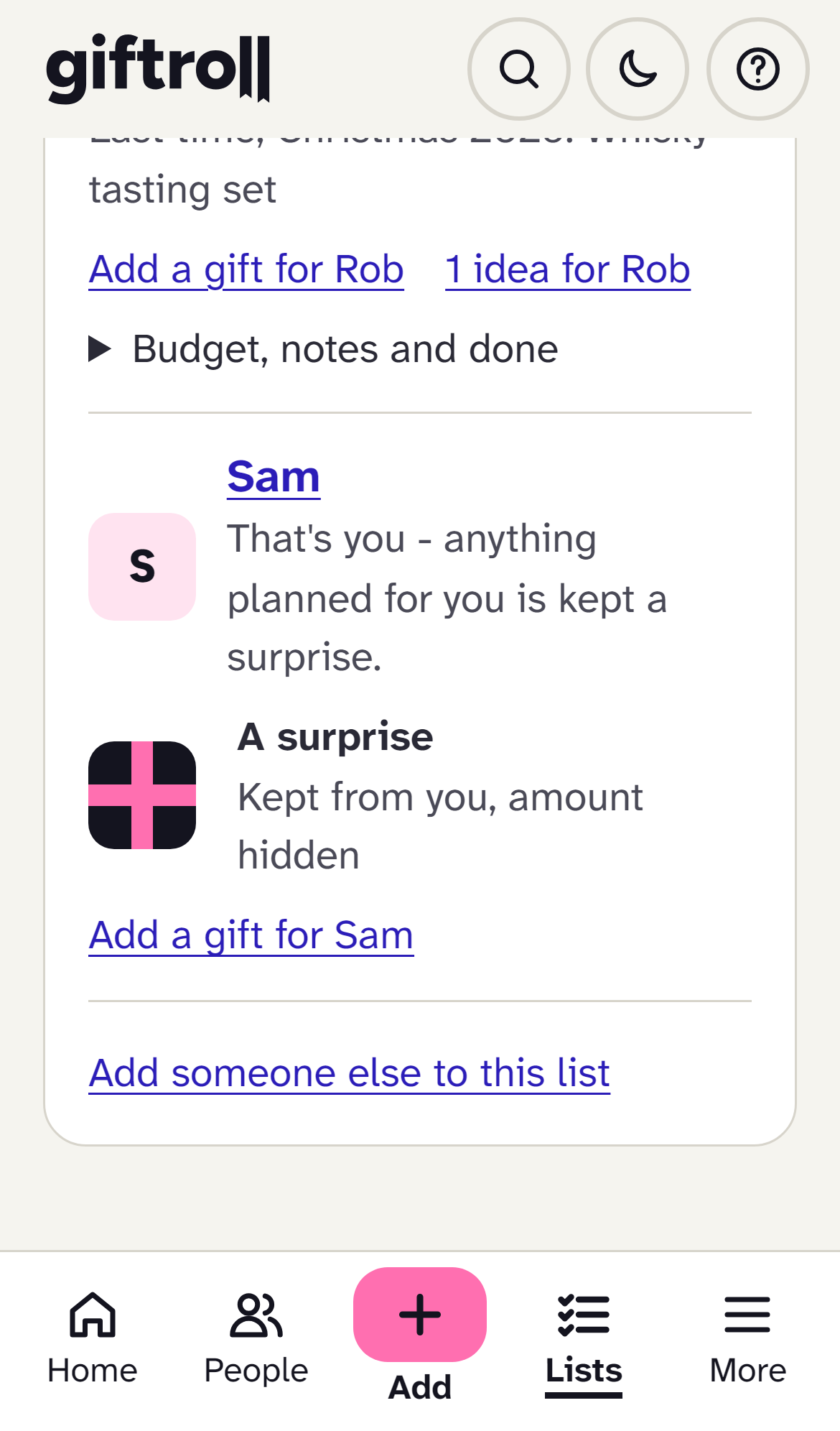 What Sam sees
What it does
A shopping list forgets in January. This doesn't.
Most gift apps are built for one season. Giftroll keeps what you learn, so next year starts ahead.
A list app
Gets you through this Christmas
- Who you're buying for
- What's bought and wrapped
- What it has cost
Giftroll
All of that, and every year after
- Tells you weeks ahead, on your phone and in your calendar
- Warns you when it's close to something they've had
- Remembers how it went down, and what you were given
- Keeps the thank-yous you still owe
Reminders that arrive in time
A few weeks before and on the day, by email, on your phone or in your calendar. The reminder names the person and the age they're turning. Never in the night, and never about your own birthday.
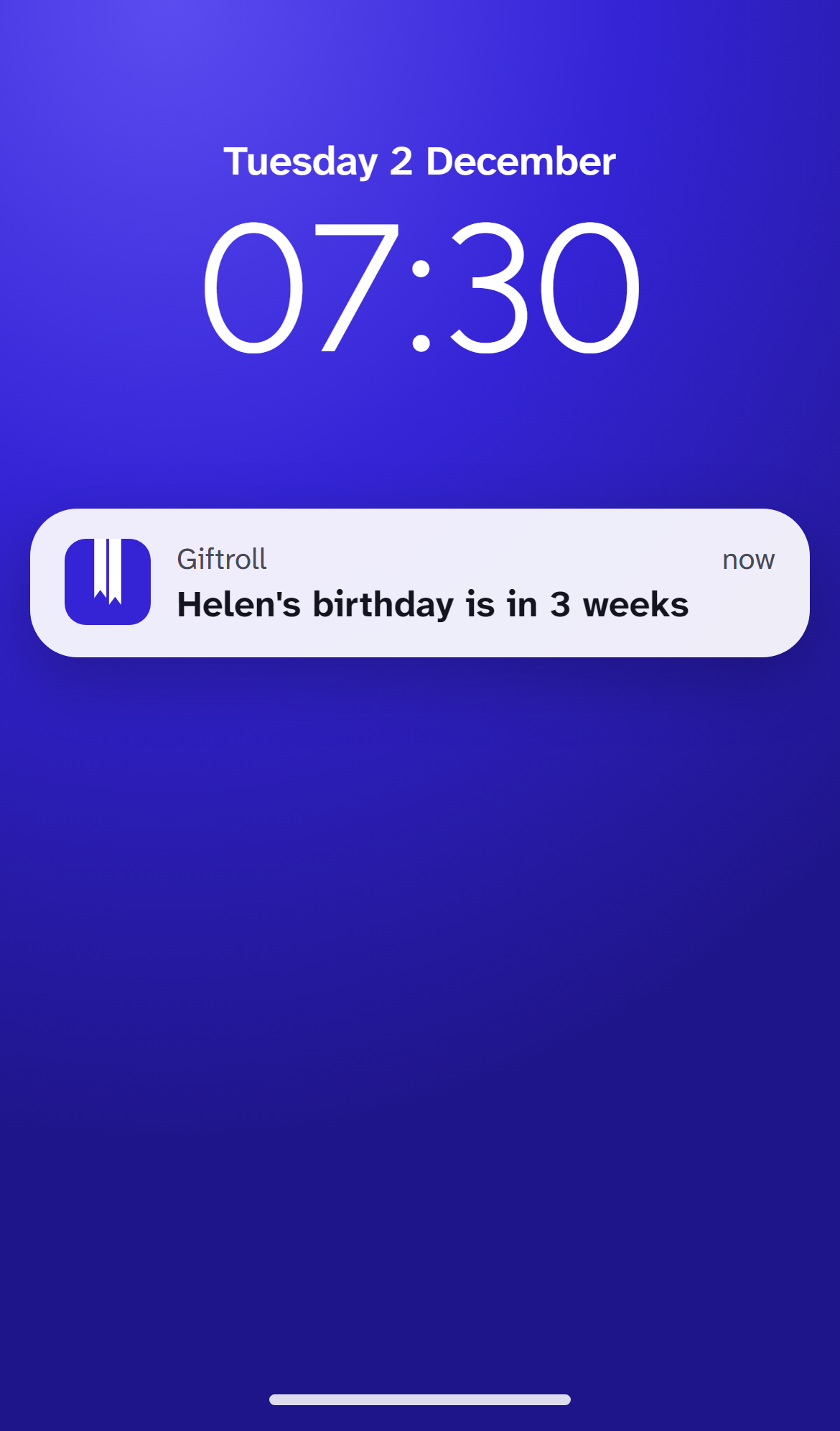
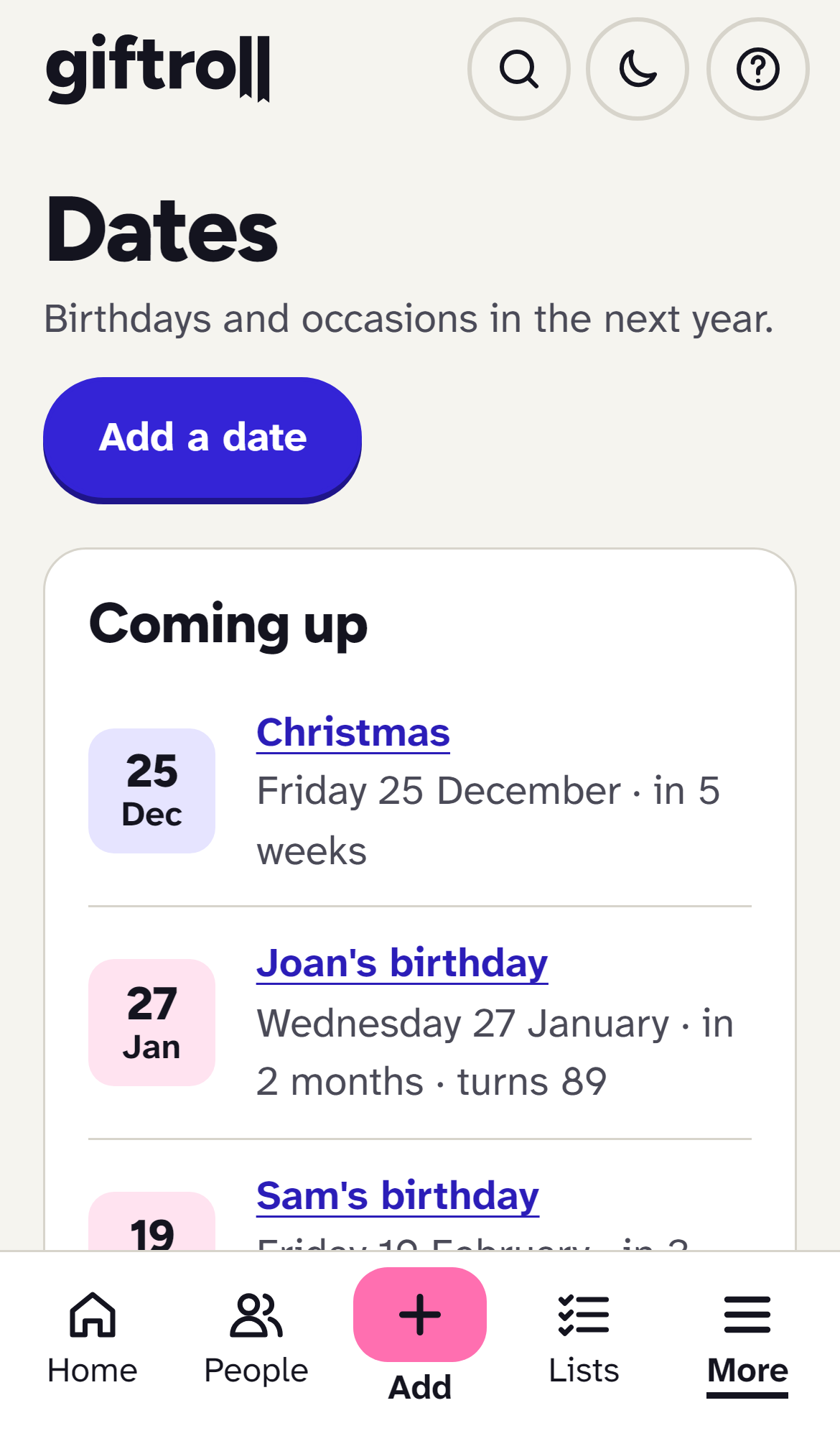
Ideas kept all year, and nothing given twice
A few words, a link or a photo, kept against the person. When you add something close to what they've had before, the app says so before you buy.
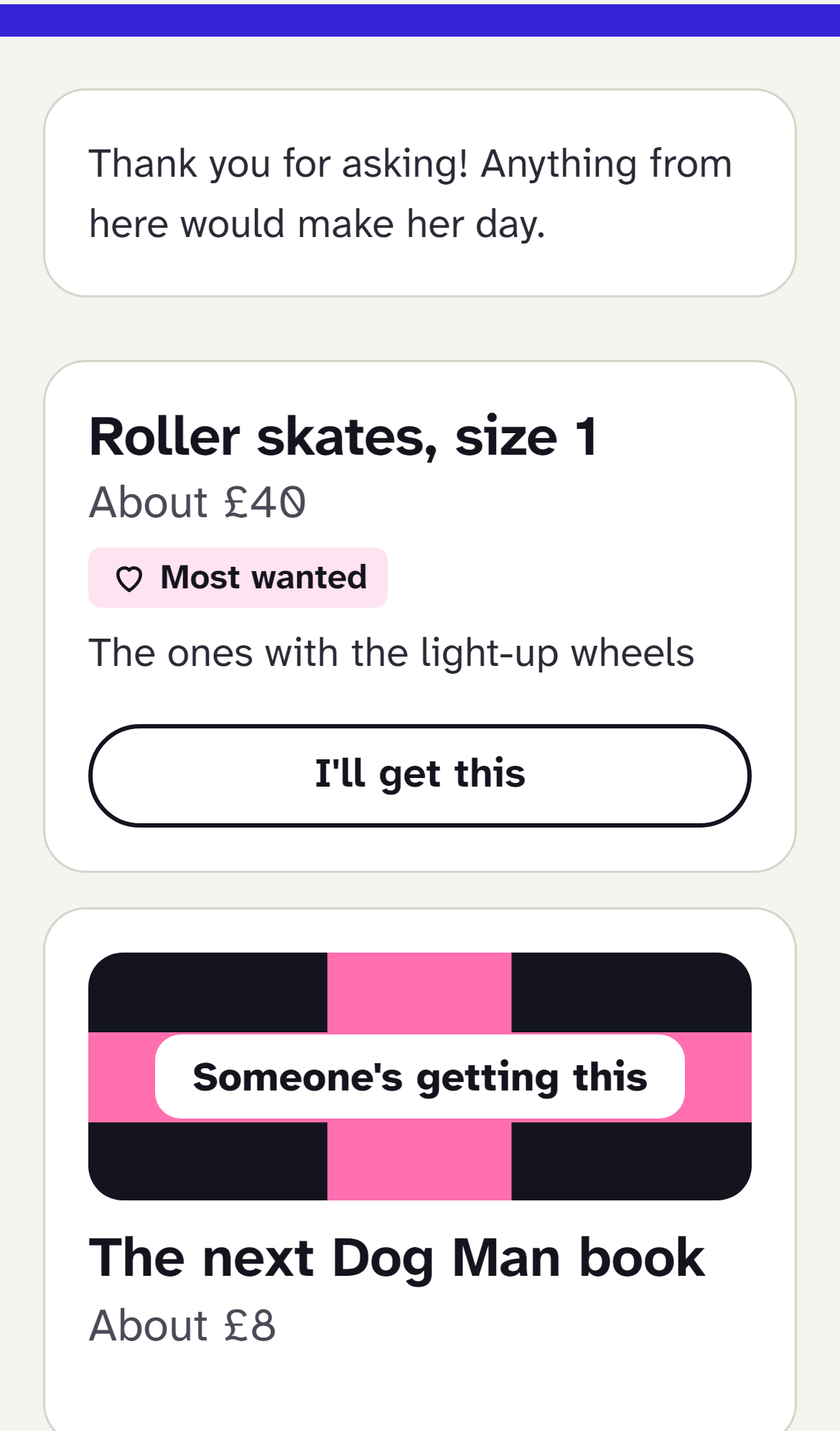
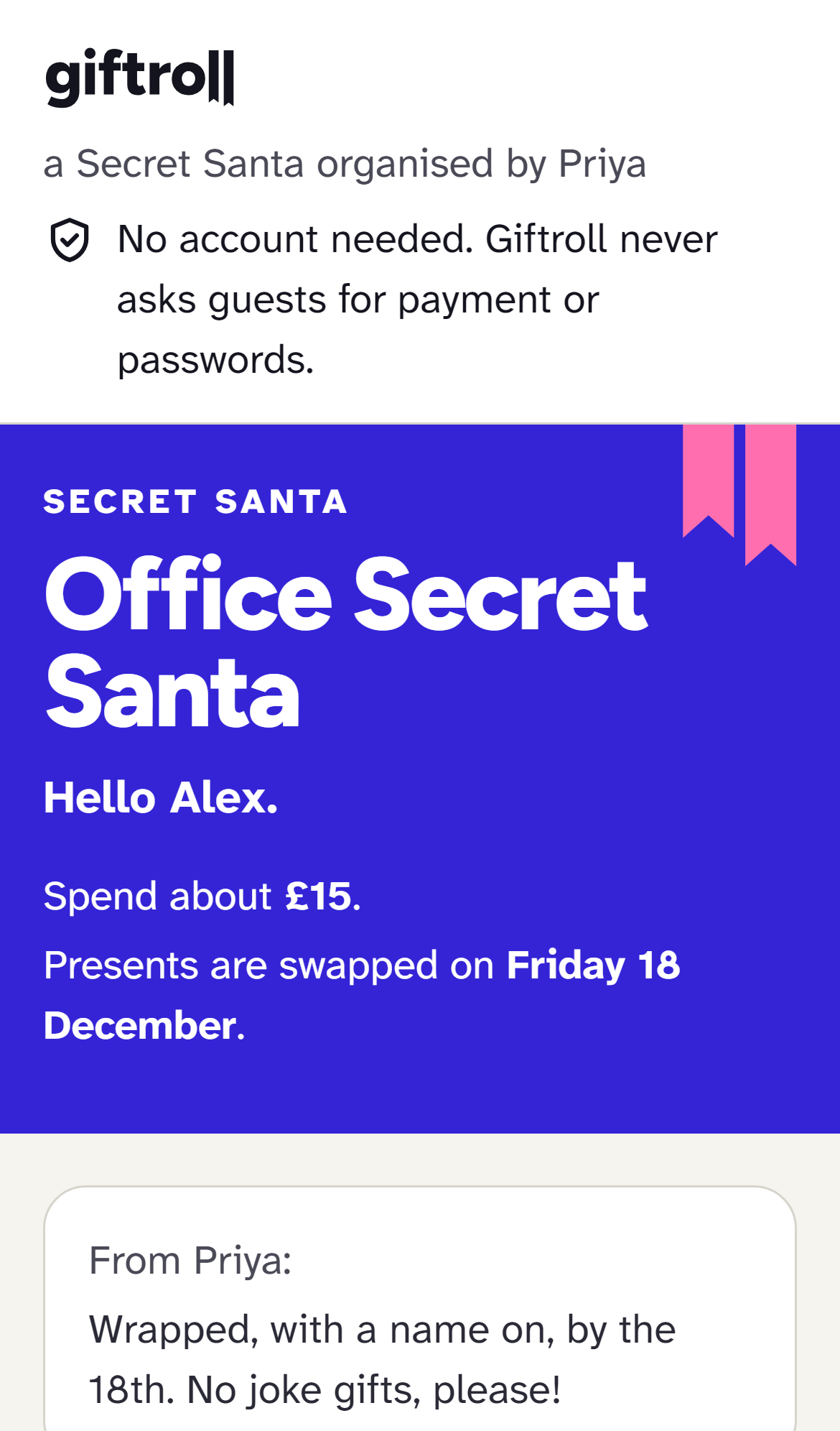
Wishlists and Secret Santa, no account needed
Share a wishlist with a link, or run a Secret Santa for the family or the office. Everyone else just opens their link, and children can add their own wishes on your phone. How the draw works
Know next year what worked
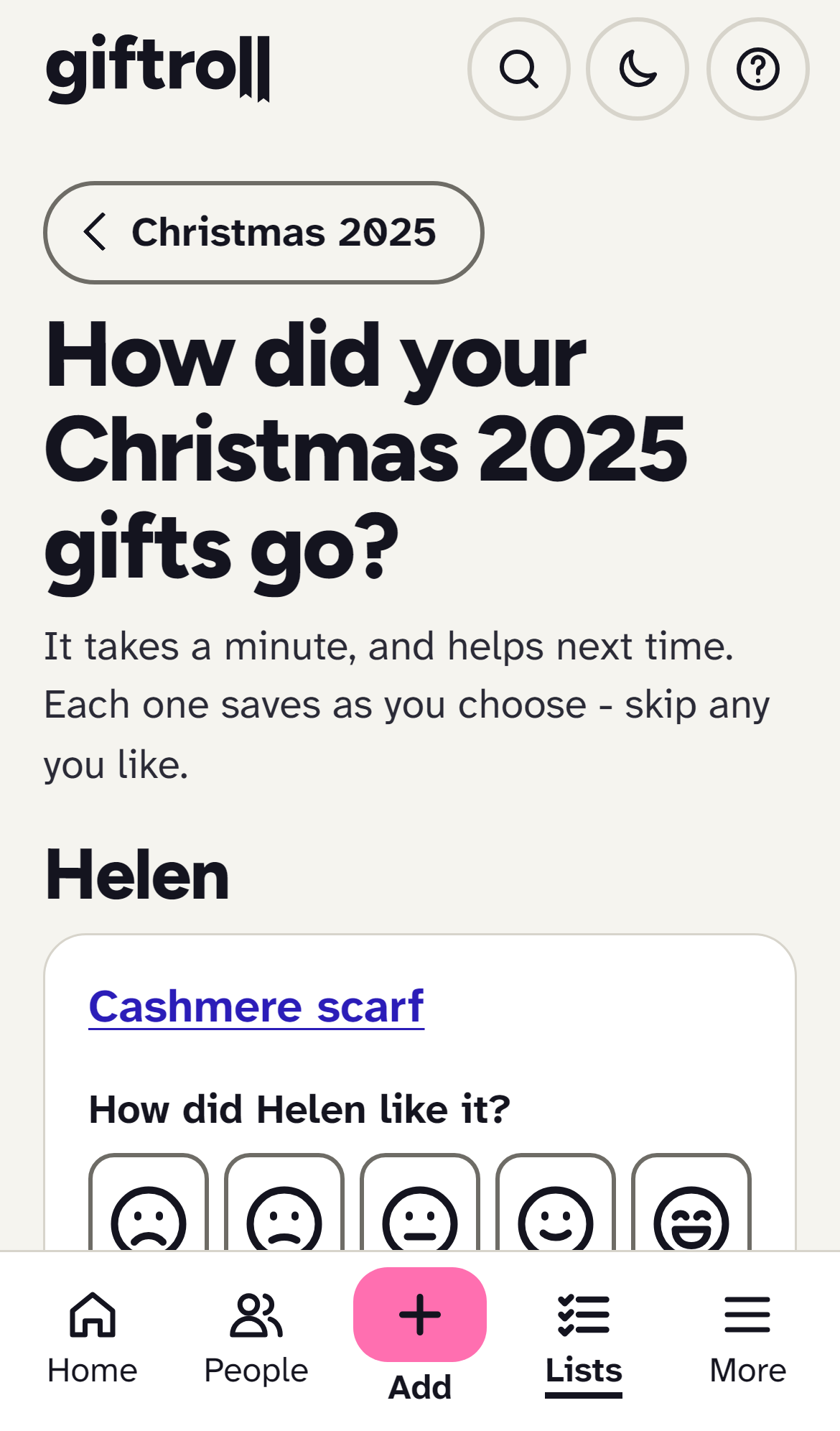
Say how each gift went down, note what you were given and whether you've said thank you. Everything you've ever given someone is on their page.
In the shop, no signal needed
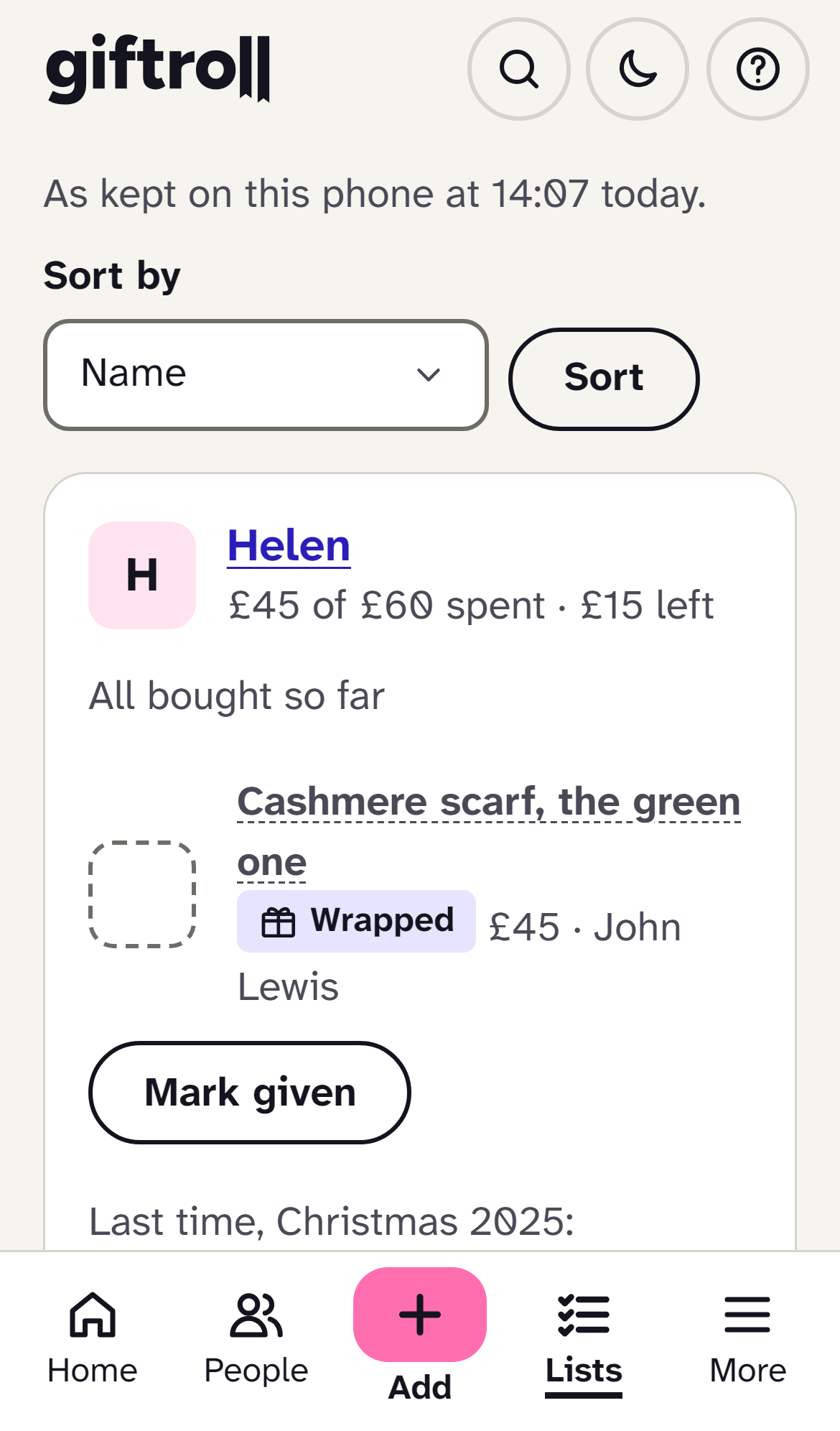
Your ideas, the shops worth a look and this year's lists are kept on your phone. Tick off what you've bought in a basement with no signal, and it all goes through when you're back outside. Without a signal
AI help, only if you want it
Snap something in a shop and find out what it is. Spot a gift they've already had, even under another name: a snood when they had a scarf. Have your ideas sorted for you.
It's off until you turn it on, and it only ever suggests. What's sent, and what never is
Quietly stricter than it needs to be
Encrypted
Everything you type about a person, and every photo. Privacy, in plain words
Nobody watching
No adverts, no tracking, and nothing sold or shared.
No account for guests
A wishlist or a Secret Santa is a link. They just open it.
Reminders where you'll see them
On your phone, by email or in your own calendar.
Yours to take or delete
Download everything, or close your account, any time.
Made for everyone
Plain words, and writing you can make bigger. Why it's easy
How it stays free
Some shop links are paid links, each one labelled, and you can turn them off. About paid links
Made in the UK
By one small company. Pounds, Mum and Boxing Day.
Common questions
Is it really free?
Yes. There are no adverts and nothing to pay. Some shop links are paid links, which means a shop pays us a small amount if you buy something through them. The price you pay is the same, every such link is labelled, and you can turn them off.
Will my partner see what I am getting them?
No. If you plan together in one household, each person's own gifts are hidden from them everywhere in the app, always. Where a total would give it away, they see "a surprise" instead of an amount. Read more in Planning together.
Does my family need an account to see a wishlist or a Secret Santa link?
No. A shared wishlist and a Secret Santa link open on any phone with nothing to install and nothing to sign in to. Only the person who makes the wishlist or runs the Secret Santa has an account.
Do I need to download anything?
No. It works in the browser on any phone, tablet or computer. If you want it on your home screen, see Put it on your phone. Your ideas, shops and this year's lists are kept on your phone, so they open without signal, and a change you make in a shop with no signal is sent when signal returns.
Who can see my notes and photos?
Only your household. Notes about people, their profiles and photos are encrypted, and are used for nothing but showing them to your household. There is no advertising and nothing is sold. The only things anyone outside your household can see are the wishlist or Secret Santa pages you choose to share, and they show only what's on them.

Ready in a minute. Free for ever.
Create a free accountNo card, no adverts, no catch. Already have an account? Sign in